


Stop spending an hour on the minutes after every meeting.
For managers, teachers and anyone who writes up meetings or lessons
Record the meeting and otobean writes it up — speakers labelled, Cantonese, Mandarin and English understood, ready to send as a PDF.
ALet’s confirm the Q3 targets first.
BOps wants handling time down.
AProposal due next Friday.
Transcription tools stop at a wall of text. People still spend an hour turning a meeting, lecture or interview into minutes, notes or a report someone else can read.
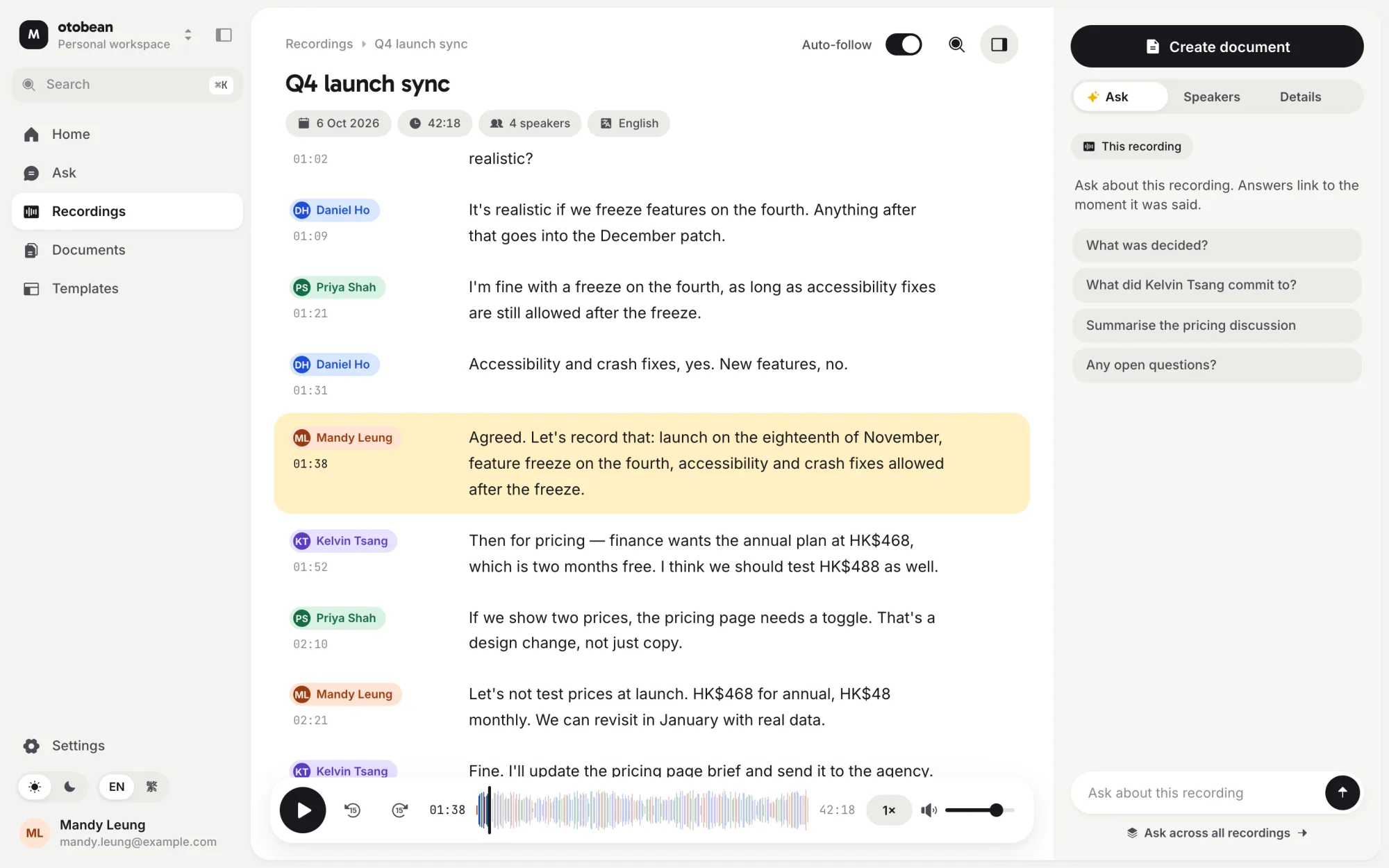
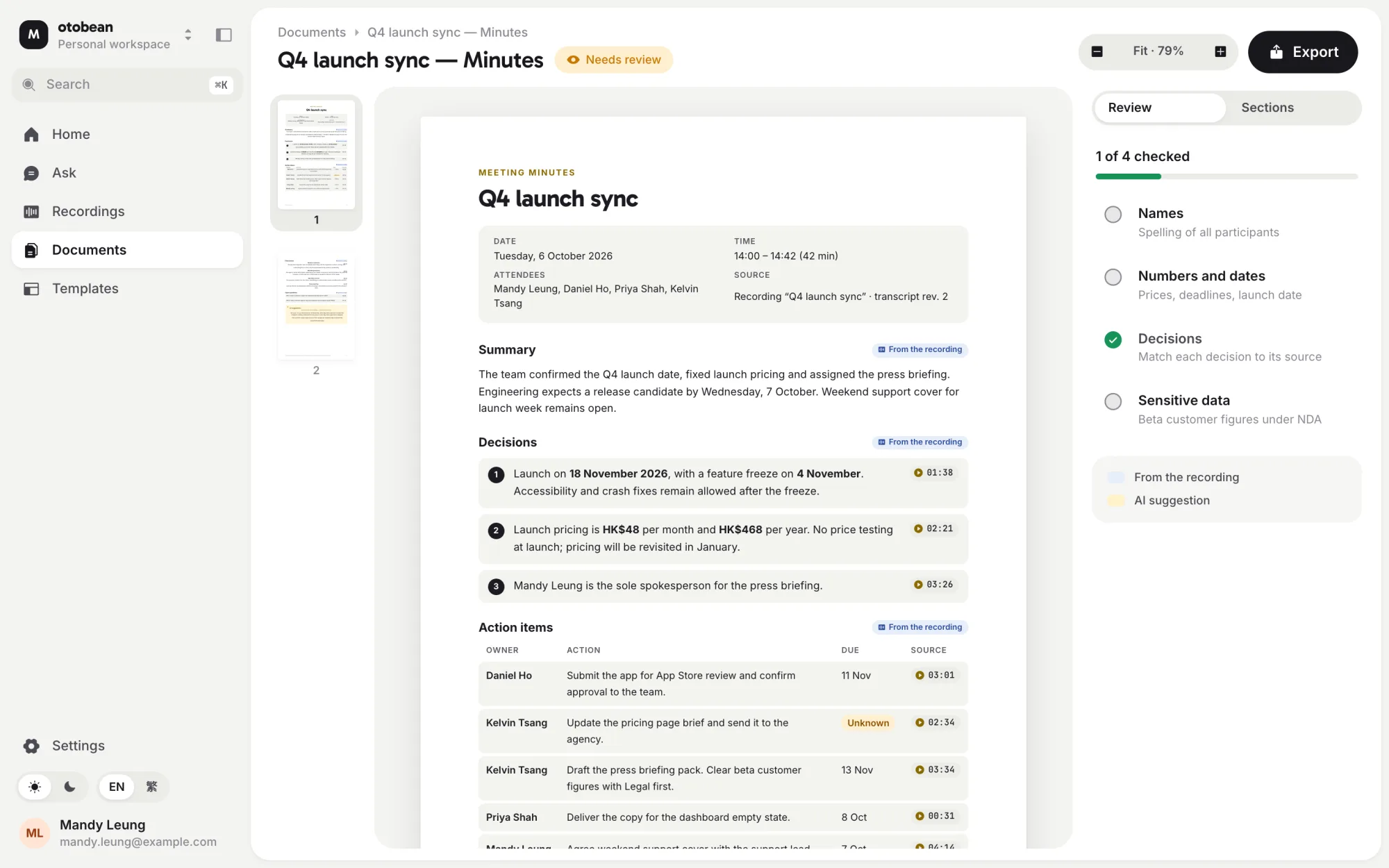
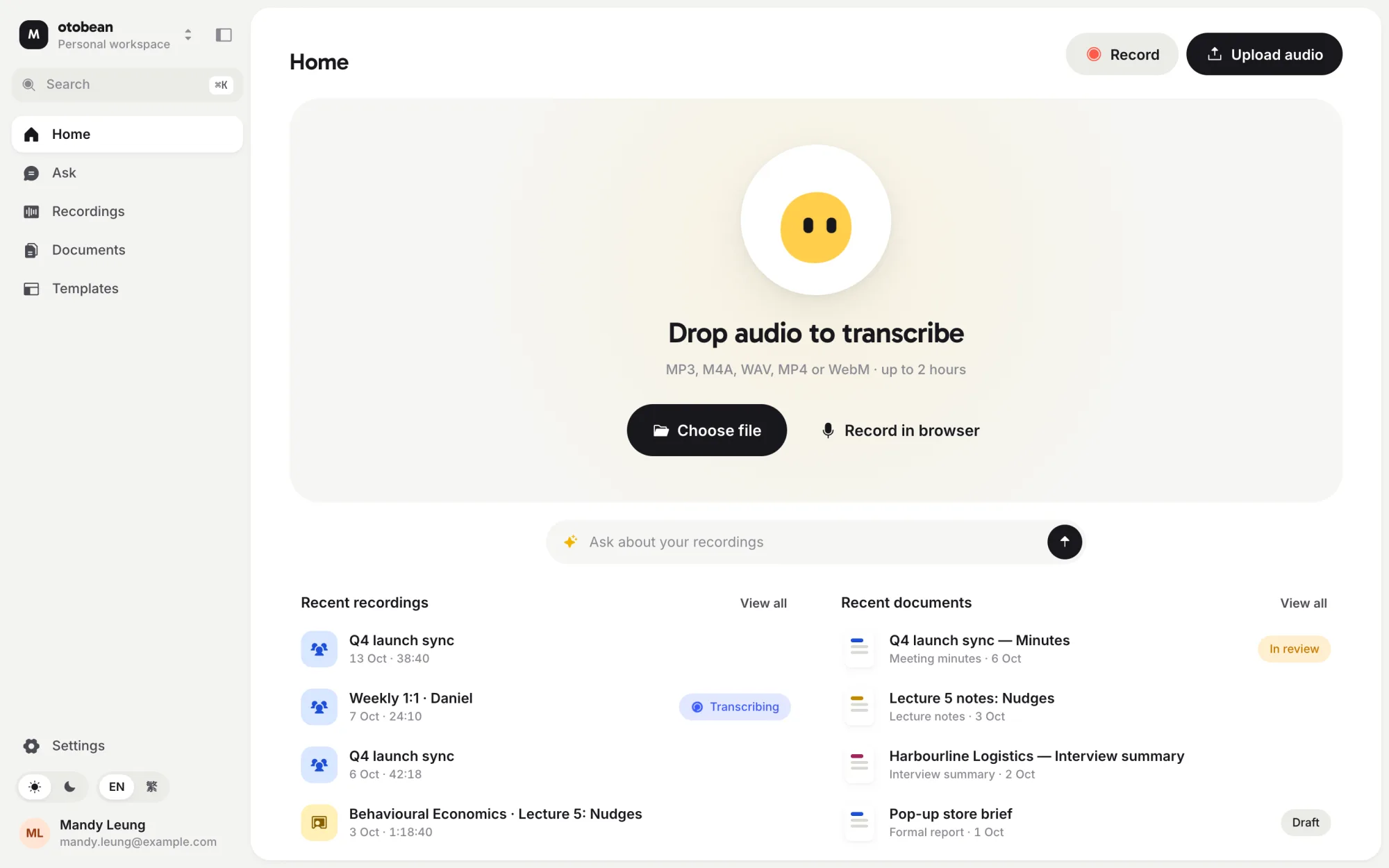
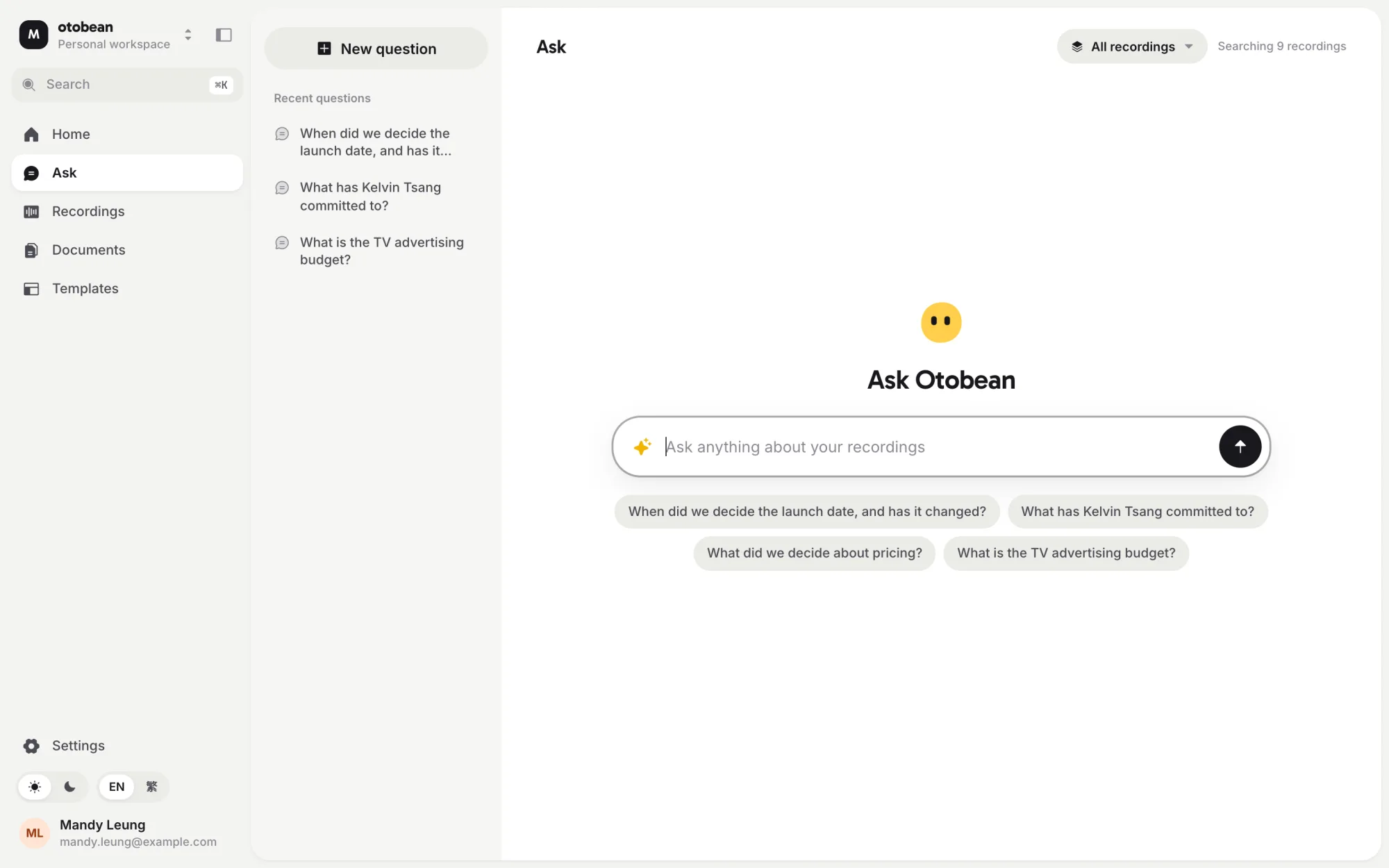
Screens from the otobean web prototype, with sample data.
A recording goes in. A document you can send comes out.
Five stages, each with an output you can check. Nothing is invented: anything the recording doesn’t say is marked “Not specified”.
- An hour writing minutes after every meeting
- Mixed-language speech that tools mis-transcribe
- Action items buried in a wall of text
- You review and send instead of writing
- Speakers and languages handled in one transcript
- Decisions and owners listed, each linked to the moment it was said
Start from any recording — a meeting, a lecture or a phone call.
Audio is normalised and split into segments so long recordings are processed in parallel.
Correct the transcript and review the document before anything is shared.
Unknown owners, dates or venues stay blank — never guessed.
PDFs are produced on your own device, not in a cloud browser.
- Speaker-labelled, timestamped transcripts you can correct before anything is generated
- Approved A4 templates — meeting minutes, lecture notes, interview summary, formal report — in a Professional and a Friendly style
- A structuring layer that fills a validated schema; documents are rendered from approved HTML, never from model output
- PDF export on the device, so recordings and reports do not pass through a cloud browser
- Bean, the mascot, appears only at key moments: recording, processing, done, needs attention
We build the AI layer ourselves, on proven platforms that scale.
Android app and public launch.
Developed by P. Chan & Co.